Safely Clean Your TV Screen for the Big Game
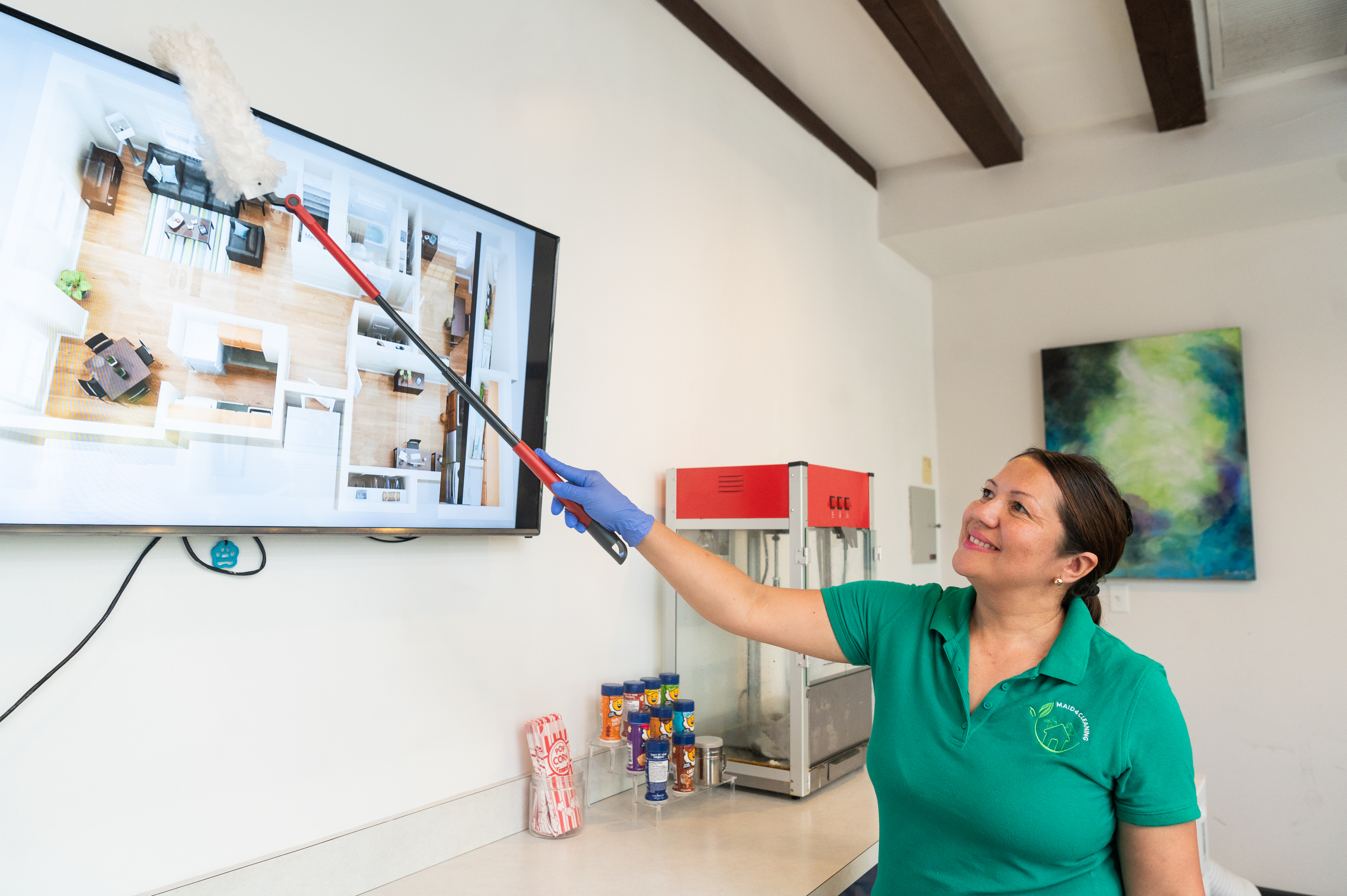
The holiday decorations are packed away, and you’ve rung in the new year with family and friends. But the entertaining isn’t over yet—Super Bowl Sunday is just around the corner!
No matter how great your snack lineup is, a smudged and streaky TV screen can ruin the game-day experience. As Saint Louis' trusted home cleaning service, Maid 4 Cleaning is here to coach you through the safest and most effective way to clean your flat-screen TV. Plus, we’ll tackle another game-day essential—the remote control—to keep it germ-free for you and your guests.
The Best Way to Clean a TV Screen
Flat-screen TVs, including LCD, OLED, and plasma models, are delicate and require gentle cleaning. Using the wrong products can leave permanent streaks or even damage the screen. Microfiber cloths and distilled water are the safest choices for screen cleaning since they prevent residue buildup and streaking. Deionized water is an even better option if available, as it removes impurities that could cause streaking.
Supplies:
Microfiber cloths (avoid paper towels or rough fabrics)
Distilled or deionized water (prevents mineral buildup)
A drop of mild dish soap (only if necessary)
A spray bottle
Cleaning Steps:
Unplug Your TV: This helps avoid electrical hazards and allows you to see smudges better on a dark screen.
Dry Dust First: Use a clean, dry microfiber cloth to gently wipe away dust. Wipe in circular motions to avoid streaks.
For Stubborn Smudges: If a dry wipe isn’t enough, lightly dampen your microfiber cloth with distilled or deionized water. For extra grime, mix a drop of mild dish soap in a spray bottle with distilled water and lightly mist the cloth (never spray directly onto the screen).
Wipe Gently: Using the dampened cloth, clean the screen with soft, circular motions. Avoid pressing too hard to prevent screen damage.
Dry Immediately: Use a fresh, dry microfiber cloth to remove any remaining moisture and prevent streaks.
Check Before Powering On: Make sure the screen is completely dry before plugging your TV back in.
Avoid common myths like using vinegar and baking soda together, as this combination neutralizes itself and loses effectiveness. Also, avoid ammonia-based cleaners like window sprays, as they can degrade screen coatings over time.
How to Clean a Remote Control
Your remote control gets passed around all game long, making it a hotspot for germs. Disinfect it before and after the big event with these steps:
Supplies:
Isopropyl alcohol (at least 70%)
Distilled water
A small spray bottle
Microfiber cloths
Toothpicks
Cotton swabs
Cleaning Steps:
Remove the Batteries: Always take the batteries out before cleaning to avoid electrical issues.
Shake Out Debris: Turn the remote upside down and tap it gently to dislodge any crumbs or loose dirt.
Use a Toothpick for Crevices: Carefully remove grime between buttons.
Disinfect with Alcohol Solution: Mix equal parts isopropyl alcohol and distilled water in a spray bottle. Lightly spritz a microfiber cloth and wipe down the remote.
Detail Clean the Buttons: Dip a cotton swab into the alcohol solution and clean around each button.
Dry and Reassemble: Use a dry microfiber cloth to remove any excess moisture, then let the remote air dry completely before reinserting the batteries.
Electronics benefit from alcohol-based cleaning solutions because they evaporate quickly, reducing the risk of moisture damage. Additionally, UV light sanitizers can be used as an extra step to kill bacteria and viruses without damaging delicate electronics.
Game Day Cleaning Made Easy
Want to focus on hosting while leaving the cleaning to the pros? Maid 4 Cleaning offers pre- and post-party cleaning services so you can enjoy the game without worrying about the mess. Contact us at (314) 626-5885 to schedule a cleaning service today!
Be Swept Away with a Cleaner Home!